Process Scout
Your company leaves traces.
Process Scout reads them.
Process Scout runs on your computer in read-only mode. Your map stays with you. Once a week it shows where your company loses time and what changed.
Free for solo use. Setup appears right after signup.

The problem
You know something is stuck. You just cannot see where.
The same issues keep landing back on your desk, and simple handoffs wait for days. The clues already live in your folders, notes, and tasks. Nobody connects them into one picture.

How it works
Process Scout follows the trail.
-
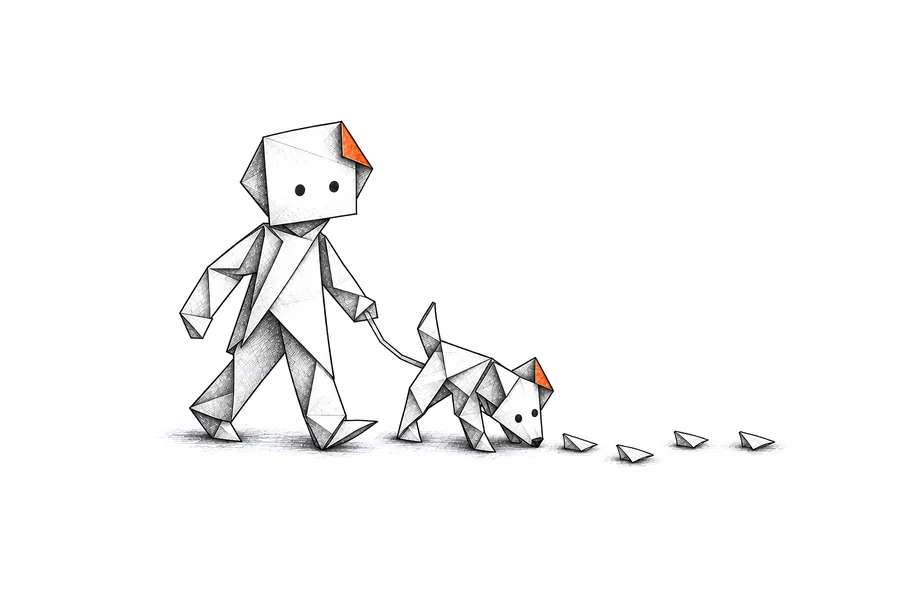
Reads the traces
Roles, tasks, notes, and history in your company folder. Strictly read-only.
-
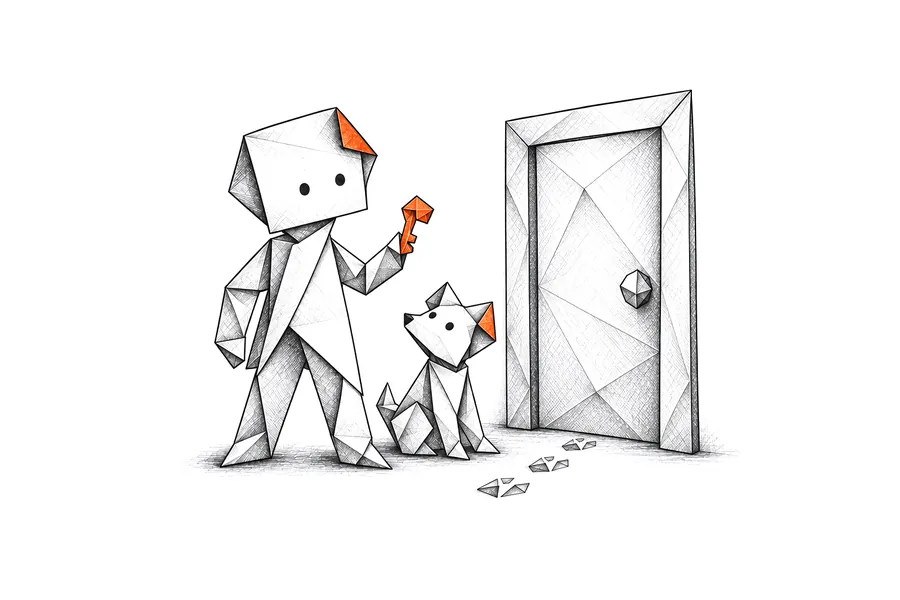
Tells you what is missing
Spots a process gap across 102 core business processes? It asks one clear question instead of guessing.
-

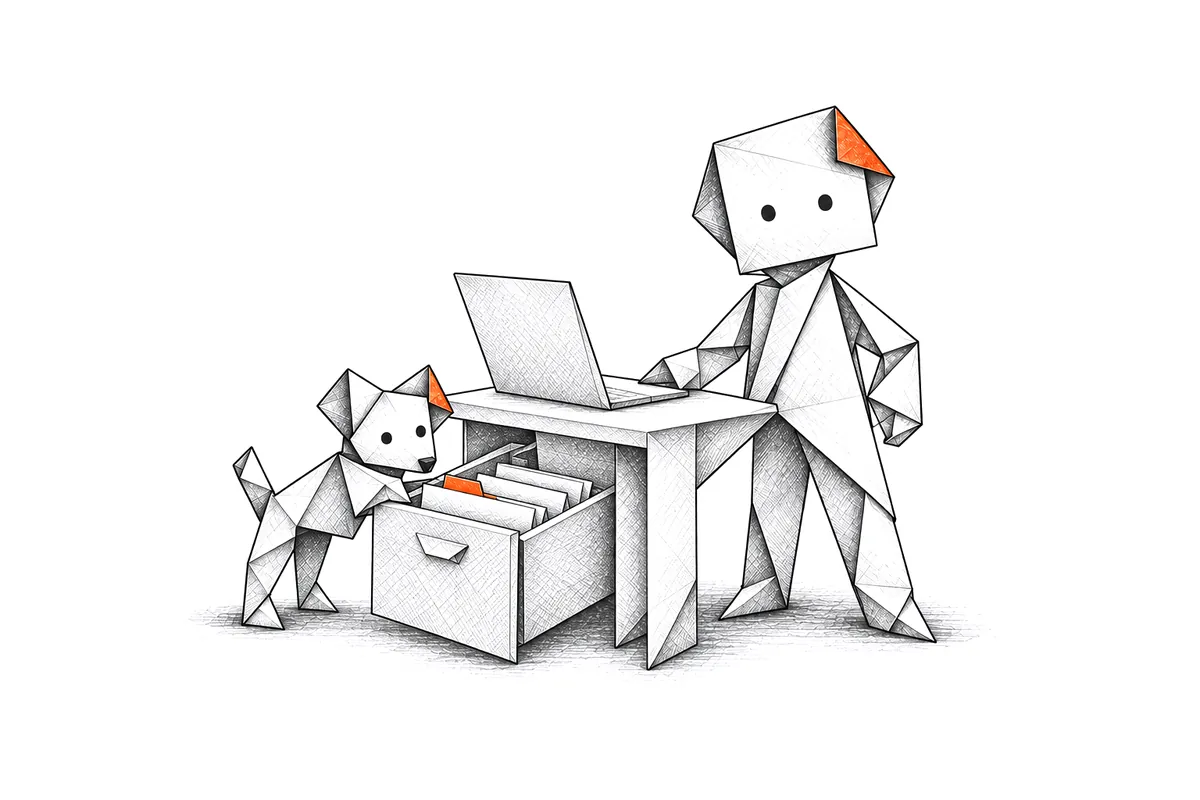
Flags bottlenecks every week
A clear coverage score, your top 3 bottlenecks, and one concrete step to fix or automate next.
Under the hood
Built for your computer. Ready for your AI.
No new app to maintain and no documents sent to us. Your map writes a clean local PROCESSES.md so every AI assistant you already use knows how your business runs.
-
Skill for Claude Code or Codex.
Install once with one sentence. No terminal and no coding.
-
102 processes across 8 areas.
Marketing, sales, service, ops, delivery, finance, HR, and legal.
-
Runs on your own AI account.
Works right inside your Claude or ChatGPT app. Zero files uploaded.
-
One weekly command.
Type
/czujkain Claude or$czujkain Codex to see what changed.
Privacy
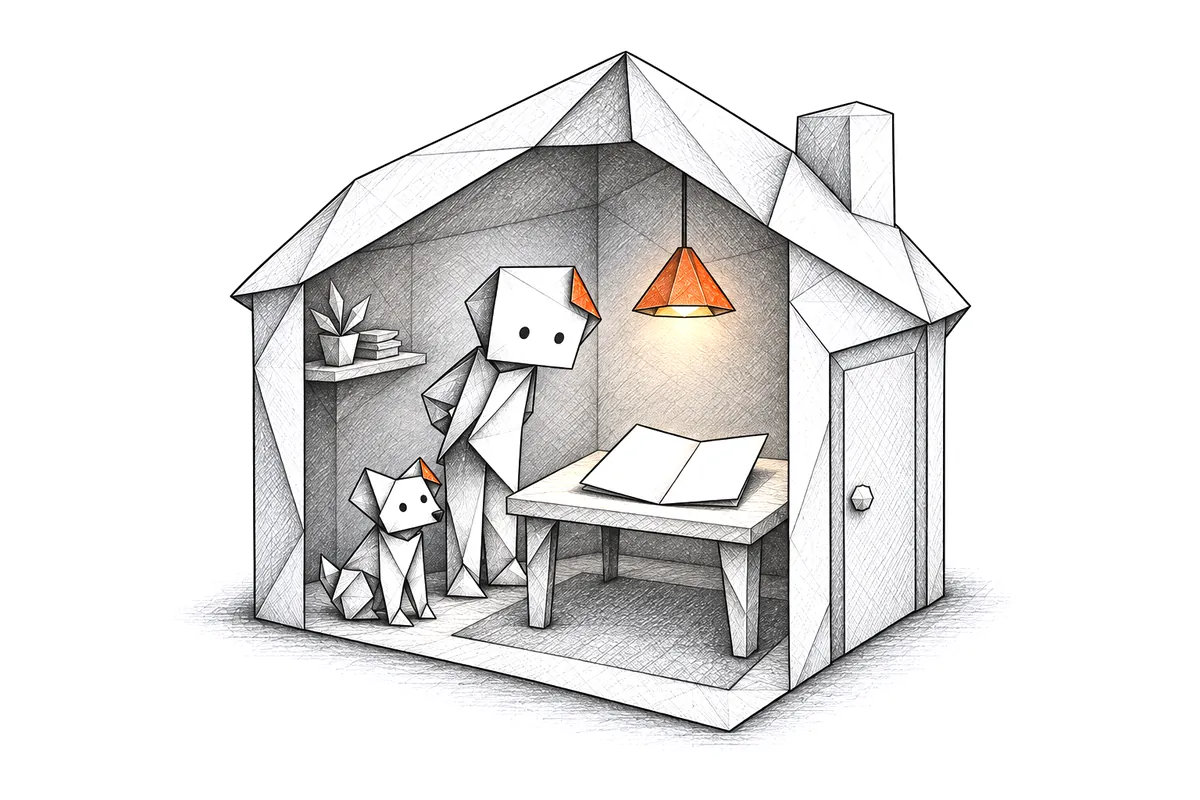
Reads. Changes nothing.
-
Read-only by design.
Never deletes, edits, or sends your existing company files.
-
Stays on your computer.
Runs locally on your own AI account. Gami Lab never receives your files or maps.
-
Fixes processes, not people.
Shows where work gets stuck instead of pointing fingers.
-
Always your call.
Process Scout flags the gap. You decide what to fix, document, or automate.
Free solo access
Sign up and install
Process Scout.
Leave your first name and email. You will see the setup steps right away.
Why should I use Process Scout?
So your AI assistants actually know your business. The more an assistant understands your workflows, the better it works. Process Scout maps your company against 102 core processes, even if you start with a messy folder or a single note, so you know what to fix or automate next.
Do I need clean documentation before I start?
No. Run Process Scout on your company folder exactly as it is today, even if it is nearly empty. It maps what is already there, skips any private folders you name, and asks only about what it cannot find.
What does Process Scout see, and is anything sent to you?
It reads your company folder on your computer in read-only mode. File contents stay inside your own Claude or ChatGPT account, and your map stays on your disk. We only record your sign-in email, tool version, active usage dates, closed-list channel and language fields, and feedback if you explicitly choose to send it.
Which apps does Process Scout work in?
In the Claude desktop app (Code tab, paid plan required: Pro, Max, Team, or Enterprise) or the Codex desktop app (sign in with your ChatGPT account). No terminal and no coding needed.
How long does the first process map take?
In Codex, your first map is ready in a few minutes. In Claude Code, Process Scout checks areas in parallel with helper assistants, so the first full scan takes about 10 to 15 minutes. Weekly refreshes after that are fast.
What does the coverage percentage mean?
It shows what share of applicable core processes from the 102-process catalog Process Scout already sees in your files across 8 business areas. Partially documented processes earn partial credit, and processes unique to your business get their own card.
How do I share the map with my AI assistants?
Process Scout detects what process files you already have and saves a structured local PROCESSES.md in your company folder. Point your AI assistant's instructions to that file. Process Scout never rewrites your existing assistant setup on its own.
How do updates work?
Just run /czujka in Claude or $czujka in Codex. When a new signed version is available, Process Scout shows what changed and asks before updating. Answer yes, restart the app, and your local map and files stay untouched.
Is it really free?
Yes. Process Scout is free for solo use and never turns into a paid plan without your explicit decision. You only pay for your own Claude or ChatGPT plan as usual, and you can stop anytime.
Where can I report a bug or share feedback?
Inside Process Scout you can pick feedback from the menu; it shows the exact preview before sending anything. You can also write anytime to support@gamilab.ai.